

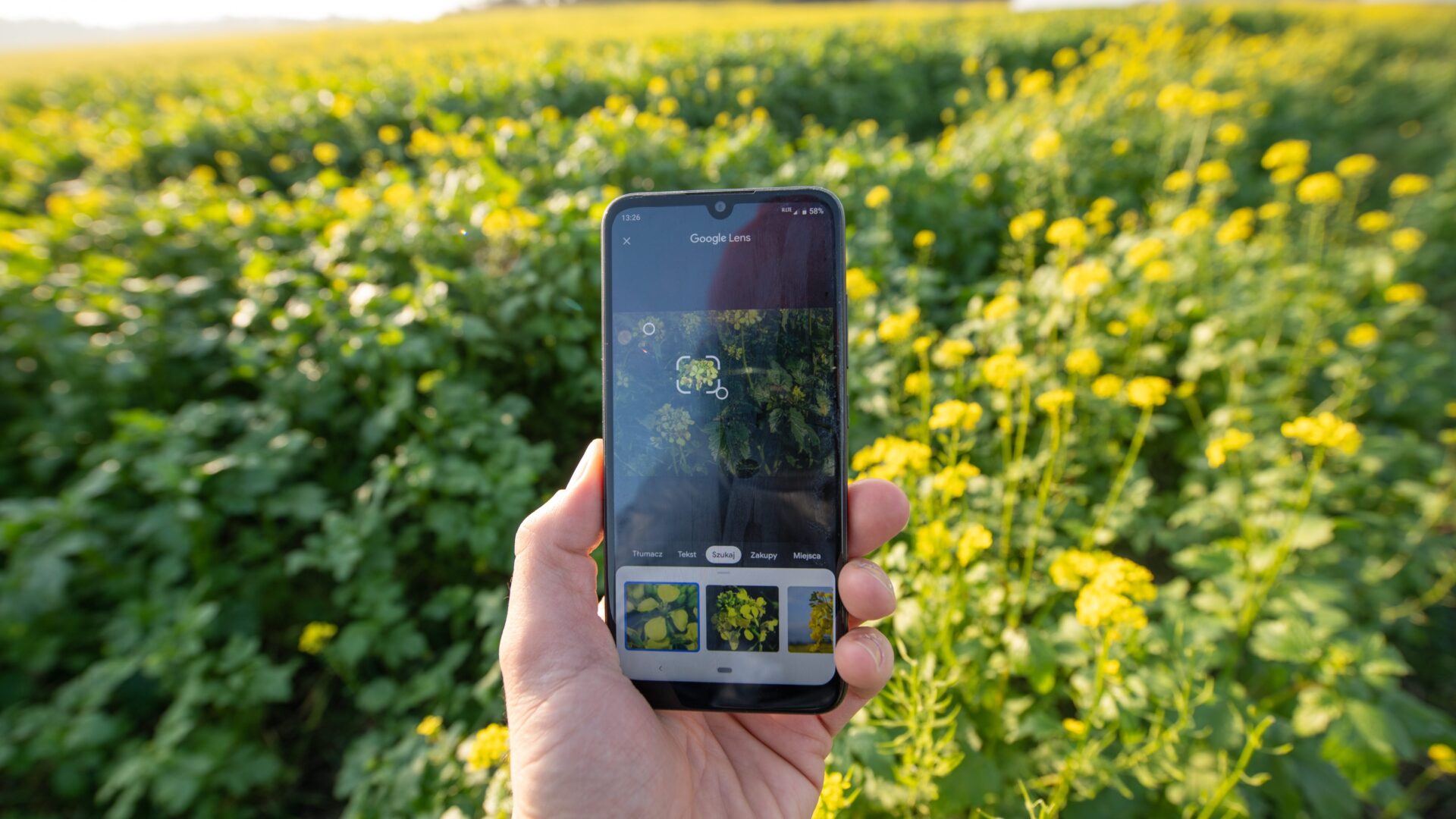
Nature walks are pleasant, soothing and often educational. Do you also regularly see an unfamiliar plant in the meadow or an interestingly coloured spider crawling through the leaves? In the past, you would have had to leaf through atlases or ask experts. Today, there is a simple way to find out the name of your discovery.
Whenever I take a nature walk with my canine partner, I always come across a plant or animal that is unfamiliar or I can’t remember the name of. Luckily, all I have to do is pull out my cell phone and use the Google Lensfeature. This is a free software that helps me use a picture upload to identify what I have made a discovery. In a matter of seconds, this gadget tells me more about the world than any knowledge-enthusiast running around the woods and meadows with a magnifying glass.
Google Lens isn’t just for nature geeks
Wondering why you’d use this feature? After all, you’re not some crazy lay botanist who spends hours exploring the flora and fauna. But there’s a certain charm to it, as a few clicks can help you uncover a mystery that you might come across in the wild at any time. Simply point your camera at a target and the feature will help you identify a flower as if you were a botanical expert, see what animal is running away from you as if perhaps you want to chase it, or discover what bird is trilling over your head high in the treetops. When you get home, you can play would-be expert. No one needs to know that you only recognised a dandelion an hour ago.
 ━━ Google Lens is easy to use. Just take a picture of the object of interest.
( Source: El editorial / Shutterstock )
━━ Google Lens is easy to use. Just take a picture of the object of interest.
( Source: El editorial / Shutterstock )How does it even work?
You want a private investigator you won’t pay a penny to? Well, Google Lens will offer you its services and throw in a little extra. It has several skills that even Sherlock Holmes would be ashamed of. As soon as you upload an image, it immediately starts matching it against a database of known species and spits out a clear answer. Pictures, links and interesting information.
I’m always careful about the quality of the photo. If you want a quick and unambiguous result, shoot clearly, distinctly and without distracting elements in the background. Just click on the lens icon in the Google app before you use it, and then just show the camera what caught your eye. But what if the feature doesn’t recognise the plant or animal? It could be that Google Lens isn’t having its day and just isn’t sure of the answer. In that case, it’ll give you a list of the most likely options for you to investigate further.
Google Lens also offers many other features. Translate text, search for products by image, scan QR codes or solve math problems.
A personal anecdote at the end
This feature can also come in handy in your own backyard. Just last year I thought I had planted a sage plant. The purple color, the shape of the flowers, the height of the plant, the gray-green leaves and other features matched it. I could have sworn it really was a sage. But when I tried Google Lens, I realized how wrong I was. What can I say, the lesson is that we still have a lot to learn and something can always surprise us.


 Šárka Cvrkalová
 L. Novak


 O. Müller