


We all use mobile banking today. I have it, my friends have it, even my 70-year-old grandfather has it. It’s clear, very easy and quick to use. When I found out that I could check my accounts with one click on my mobile phone and not have to do complicated logins on my computer, it changed my life. But Android devices have been failing lately regarding banking security. In fact, more and more cases are emerging that confirm that mobile banking may not always be foolproof against fraudsters and thieves.
I’ve had it happen to me in the past that I entered my login details where I shouldn’t have. One phone call and a card block solved it, but after that I had to run around to banks and do it all over again. And that was just because of a moment of inattention. Unfortunately, today, even if you’re paying attention, there’s a risk of your mobile banking being hacked. How is this possible? How to avoid the complication and how to act in case the problem occurs?
Attackers are getting more and more resourceful
Banking Trojan attacks on Android devices increased by 56% in 2025. A banking Trojan is a type of malware that is specifically designed to steal a user’s banking information. Often, the user thinks they are installing a legitimate program or file, but in reality, the malware gets on their computer or phone.
In the past year, not only have the number of attacks increased, but new types of these Trojans have also emerged. That is why I am very worried about my grandparents, for example. Even young people can get caught, but we are being cautious. My grandfather, on the other hand, can click on anything. And the more the link screams fraud, the more likely he is to get caught. Not long ago, I was removing inappropriate adult ads from his phone because he thought he’d won half a million crowns and decided to open a fraudulent link.
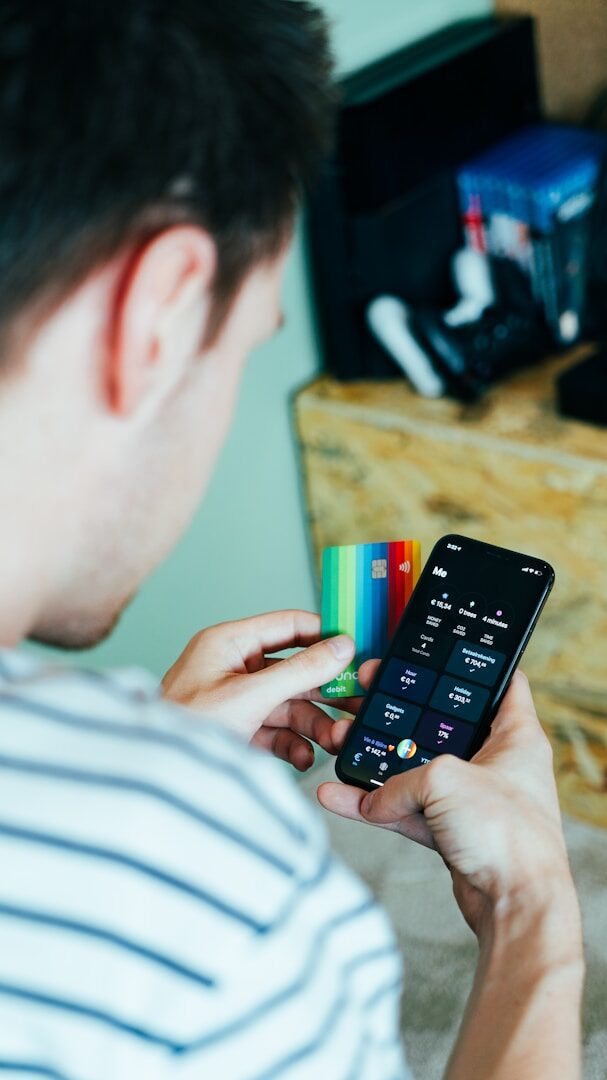 ━━ If you use
( Source: CardMapr.nl / Unsplash+ )
━━ If you use
( Source: CardMapr.nl / Unsplash+ )Beware of new phones
Android mobile phones often look brand new. But they may already have apps on them that can tap into your data and very easily get your banking credentials. That’s why it’s very important to keep an eye on where you get your mobile phone from. Be especially careful at second-hand shops and when buying from the internet.
“Although smartphone Trojans are the fastest growing type of malware, we also observed another important trend: pre-installed backdoors appeared more frequently compared to previous years. People are buying brand new but infected Android devices and may not be aware of the threat,” warns analyst Anton Kivva.
There are several ways to defend against attacks:
- Buy only from trusted vendors (official stores and authorized distributors)
- only install apps from Google Play (not from unknown sources or APK files)
- Update your system and apps regularly
- use antivirus software designed for Android
- Check app permissions and don’t allow unnecessary access to SMS, contacts or bank data
- Avoid public Wi-Fi networks when banking
- Monitor your banking transactions regularly
- do not click on unfamiliar links
If you see suspicious money movements in your banking or otherwise suspect that your mobile banking has been accessed, call your bank immediately, block your banking and card and then follow their advice. Everything can be saved in time, but you have to be really careful.



 L. Novak


 O. Müller
 A. Urban